How to Create a Security Jobseeker Profile for Top UK Roles

Starting out as a british security jobseeker can feel daunting when every employer is searching for documented proof of your reliability. In a sector where more than 80 percent of recruiters shortlist only candidates with thoroughly completed profiles, having the right credentials and a polished digital presence is not just helpful, it is critical. This step-by-step guide reveals practical strategies and must-have details to help you stand out to United Kingdom security employers, even if you have limited experience.
Table of Contents
- Stage 1: Gather Essential Qualifications And Documents
- Stage 2: Register And Set Up Your Jobseeker Account
- Stage 3: Complete Your Security Profile Details Accurately
- Stage 4: Upload Your CV And Relevant Certifications Securely
- Stage 5: Activate Job Alerts And Verify Your Application Settings
Quick Summary
| Key Point | Explanation |
|---|---|
| 1. Gather Required Documents | Collect all necessary credentials like your SIA licence and training certificates to validate your qualifications for security roles. |
| 2. Create a Professional Jobseeker Profile | Establish a detailed online presence on career platforms to enhance discoverability and showcase your skills to potential employers. |
| 3. Ensure Accurate Profile Details | Fill in your profile with precise and verifiable information to eliminate discrepancies that could hinder your application process. |
| 4. Securely Upload Your CV | Prepare high-quality digital copies of your professional documents and ensure they are organised and labelled correctly before uploading. |
| 5. Activate Job Alerts | Customise your job alert settings to receive timely notifications for security positions that align with your career goals and expertise. |
Stage 1: Gather essential qualifications and documents
Preparing a strong security jobseeker profile begins with methodically collecting all necessary professional credentials. Your goal is to demonstrate you meet the industry’s rigorous standards by compiling a comprehensive set of documents that validate your skills and eligibility.
Start by securing your core professional documentation. This includes your Security Industry Authority licence if you are applying for roles like security guarding, door supervision, or close protection. Ensure you have original copies of any relevant training certificates, professional qualifications, academic credentials, and identity verification documents such as your passport or driving licence. For cyber security roles, gather certifications from recognised bodies or educational qualifications that showcase your technical expertise.
Organise your documents systematically in a professional folder or digital portfolio. Make high-quality scans or colour photocopies of all original documents, keeping the originals safely stored. Check that each qualification is current and meets the specific requirements of your target security sector. Some roles might require additional background checks or specific training endorsements.
Expert Recommendation: Create a digital backup of all your important documents and store them securely in both cloud storage and an encrypted external hard drive for maximum protection.
Here is a summary of commonly required document types for different security roles:
| Security Role Type | Mandatory Documents | Typical Additional Requirements |
|---|---|---|
| Security Guard | SIA licence, ID, training proof | Background check, first-aid certificate |
| Door Supervisor | SIA licence, ID, training proof | Physical fitness endorsement |
| Close Protection Officer | SIA licence, passport, certificates | Advanced weapons or defence training |
| Cyber Security Analyst | Technical certificates, ID | Degree in IT or security discipline |
Stage 2: Register and set up your jobseeker account
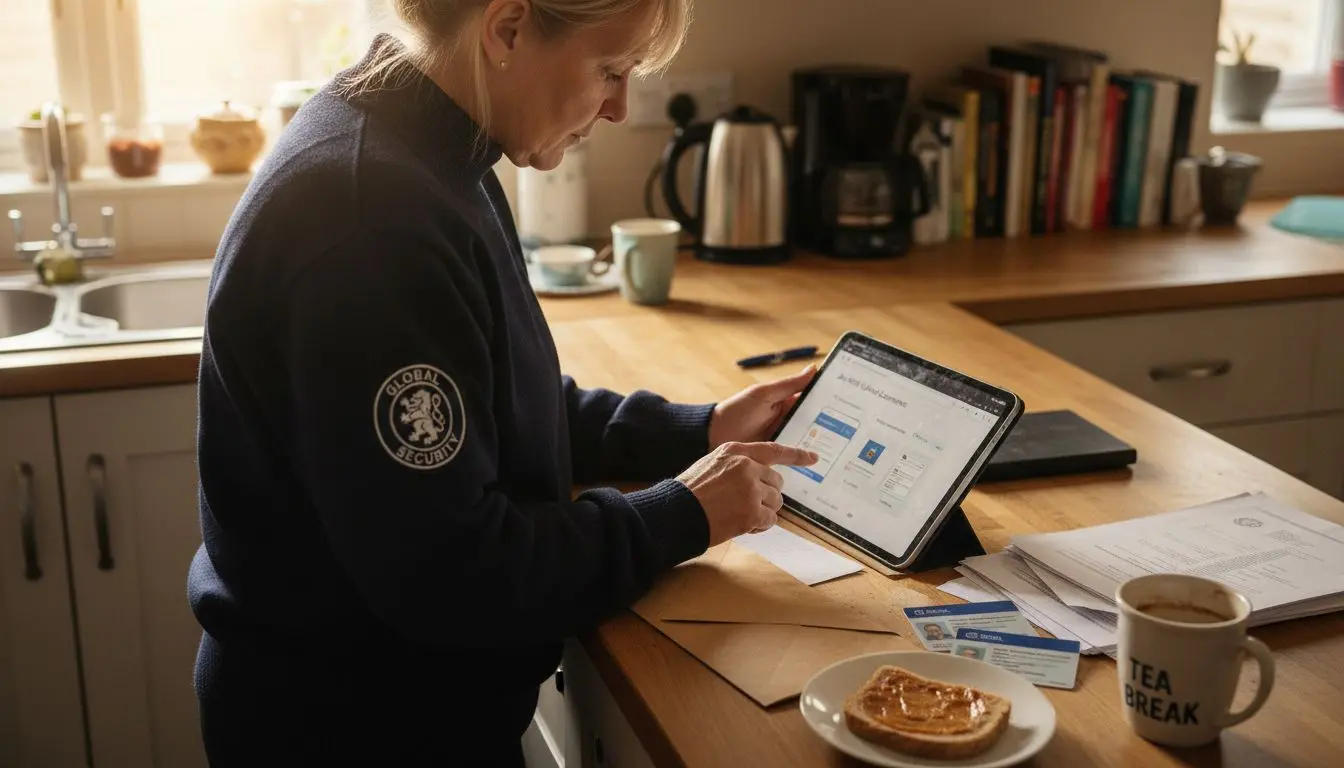
Creating a professional online profile is your gateway to accessing top security job opportunities across the United Kingdom. Your goal is to establish a comprehensive digital presence that showcases your skills and makes you discoverable to potential employers.
Begin by visiting official career platforms designed for security professionals. These platforms typically require you to create an account by providing essential personal details including your full name, contact information, professional email address, and current location. Select a strong password that meets security requirements and enables two factor authentication if available. When completing your profile, focus on entering accurate information matching your official documentation to ensure smooth verification processes.
As you build your digital jobseeker profile, systematically upload your qualifications, professional certifications, and work experience details. Include a professional headshot, comprehensive work history, and highlight any specialised security training or technical skills relevant to your target roles. Some platforms allow you to set job preferences, enabling targeted job recommendations that match your specific security sector interests.
Expert Recommendation: Regularly update your online profile with new qualifications and skills to maintain its relevance and improve your visibility to potential security employers.
Stage 3: Complete your security profile details accurately
Precision is paramount when developing your professional security jobseeker profile. Your objective is to create a comprehensive and meticulous representation of your professional capabilities that meets rigorous industry standards.
Start by carefully entering your personnel security information with absolute accuracy. This includes your full legal name, contact details, current address, and professional qualifications. Ensure every detail matches your official documentation precisely. Pay special attention to work history entries, listing employers chronologically with exact employment dates, job titles, and key responsibilities. Include specific details about your security training, certifications, and any specialised skills relevant to your target roles in the security sector.
Verify all uploaded documents and information multiple times before submission. Cross reference your profile details with your original certificates, driving licence, and passport to eliminate any potential discrepancies. Some security roles require stringent background checks, so any inconsistencies could potentially compromise your application. Remember that employers in the security industry prioritise candidates who demonstrate meticulous attention to detail and professional integrity.
Expert Recommendation: Create a checklist of required documents and cross verify each entry against your original paperwork to ensure 100 percent accuracy.
Stage 4: Upload your CV and relevant certifications securely
Securing your professional documents is a critical step in creating an impressive jobseeker profile for security roles. Your goal is to present a comprehensive and professionally organised collection of credentials that demonstrate your expertise and trustworthiness.
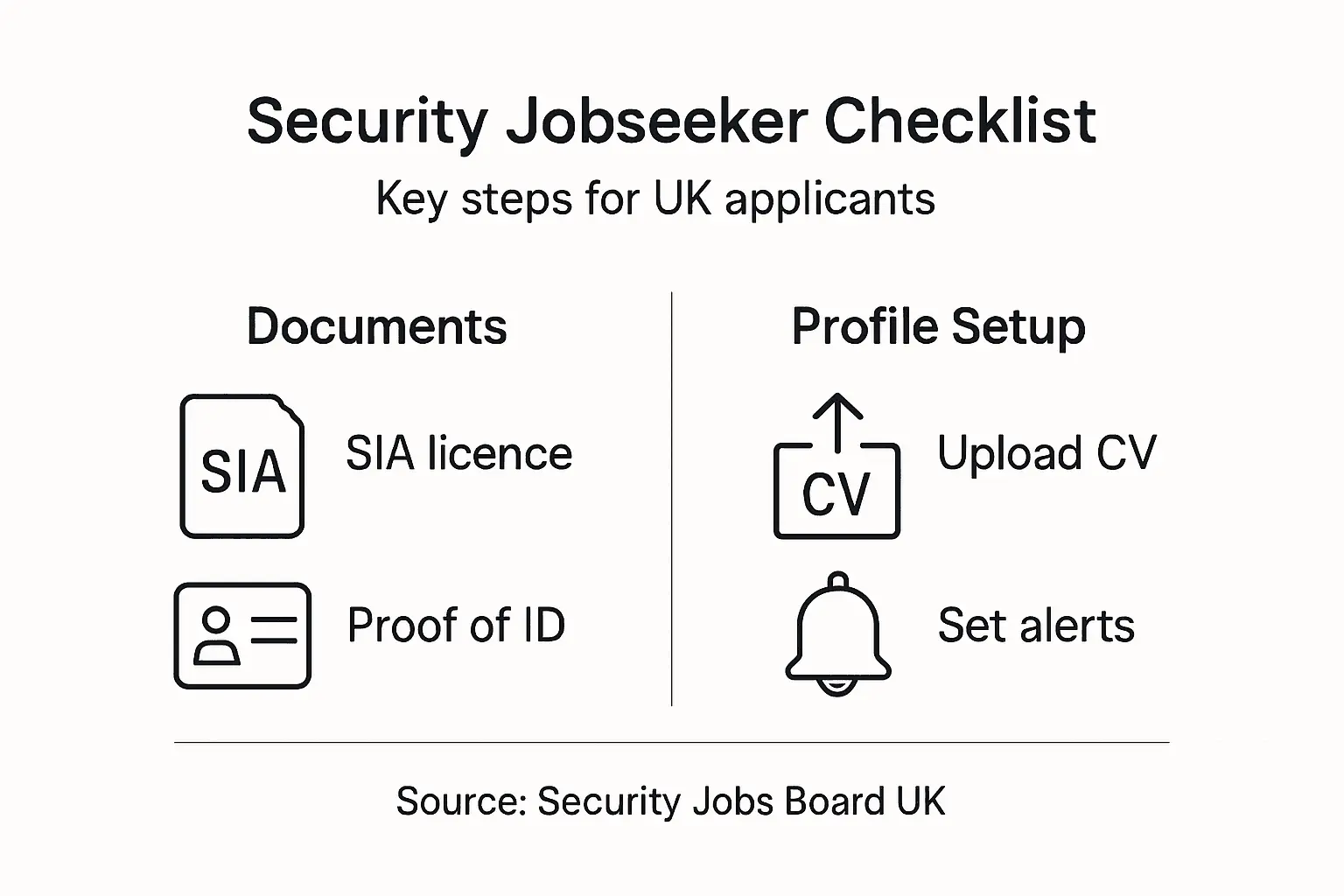
Begin by preparing digital copies of your essential documents using high resolution scans or clear photographs. Ensure each file is legible and professionally formatted. When uploading to secure career platforms, select file formats that are universally accessible such as PDF to maintain document integrity. Systematically organise your certifications including your Security Industry Authority licence, professional qualifications, academic certificates, training endorsements, and any specialised security credentials relevant to your target roles.
Pay careful attention to file security and data protection when uploading. Use platforms with robust encryption and verify the website’s security protocols before transmitting sensitive information. Double check that each document is correctly labelled with your full name and the specific certification type to help potential employers quickly review your qualifications. Maintain a backup of all uploaded documents in a separate secure location as an additional precaution.
Expert Recommendation: Create digital copies of your documents in high resolution PDF format and always keep an encrypted backup to protect against potential data loss.
The following table compares common digital security measures for storing professional documents:
| Security Measure | How It Works | Business Impact |
|---|---|---|
| Cloud Storage Encryption | Protects files with strong encryption | Minimises risk of unauthorised access |
| Encrypted Hard Drive | Physical drive with password protection | Shields sensitive documents from theft |
| Secure File Naming | Clear & consistent file labelling | Accelerates recruiter review process |
Stage 5: Activate job alerts and verify your application settings
Streamlining your job search requires strategic configuration of your online profile and communication preferences. Your primary objective is to ensure you receive timely and relevant notifications about security job opportunities that precisely match your professional aspirations.
Navigate to the platform’s job alert settings and carefully customise your preferences. Select specific security sectors such as corporate security, border protection, or cyber defence that align with your expertise and career goals. Set geographic parameters to target roles within your preferred regions across the United Kingdom. Choose alert frequency options that suit your job search intensity whether you want daily updates or weekly summaries. Pay close attention to the specific filters including job level, required qualifications, and salary range to receive the most pertinent job notifications.
Verify all contact information associated with your profile to guarantee uninterrupted communication. Double check your email address, telephone number, and preferred contact method to ensure recruiters can reach you promptly. Consider enabling mobile notifications if the platform supports them, which can provide immediate updates about matching security job opportunities. Some platforms also allow you to set preferences for application status tracking and interview invitation communications.
Expert Recommendation: Create a dedicated email address specifically for job applications to maintain organised and professional communication during your security job search.
Take Control of Your Security Career with Expert Support
Navigating the complexities of creating a professional security jobseeker profile requires precision and the right tools. If you have gathered your essential qualifications, secured your documentation, and set up your online presence as the guide suggests, the next crucial step is choosing a platform that understands your unique needs. Common challenges such as accurate profile management, secure document uploads, and receiving targeted job alerts are all addressed by an industry-focused service that puts your career goals first.
Secure your position in the UK security sector with a trusted partner. The Security Jobs Board offers you:
- A dedicated platform where you can create a detailed profile that matches top security roles
- Enhanced data protection aligned with GDPR to keep your sensitive information safe
- Easy CV uploads and job alert configurations tailored to your preferences

Don’t wait to make your profile visible to relevant employers. Visit Security Jobs Board now to start building your career with confidence. Explore how you can create your jobseeker profile quickly and benefit from secure, efficient applications. Your next security role in the UK is closer than you think when you partner with a platform designed exclusively for your sector.
Frequently Asked Questions
What documents do I need to gather for my security jobseeker profile?
Start by collecting your Security Industry Authority licence, identity verification documents, and any relevant training certificates. Ensure that all documents are original copies or high-quality scans, organised in a professional manner.
How do I create a jobseeker account for security roles?
To create a jobseeker account, visit official career platforms and provide your personal details like your name, contact information, and location. After registering, complete your profile by uploading your qualifications and experience to make yourself discoverable to employers.
Can I set job alerts for security jobs? How?
Yes, you can set job alerts by navigating to your job alert settings on the platform. Customise your preferences for specific security roles and geographical areas, and choose how frequently you want to receive notifications, whether daily or weekly.
How should I organise my CV and certifications when applying for security jobs?
Organise your CV and certifications by creating clear, labelled digital copies. Ensure you use common file formats like PDF and that your documents are securely uploaded to the job platform, as this will facilitate easy review by recruiters.
What details should I include in my security profile?
Include your full legal name, accurate contact details, current address, and a comprehensive work history with exact employment dates. Highlight your professional qualifications, specialised security training, and any certifications relevant to the roles you are targeting.
Why is attention to detail important in my jobseeker profile?
Attention to detail is crucial because any discrepancies in your profile could hinder your application, especially in security roles that require background checks. Ensure all information matches your official documentation and is double-checked before submission.


